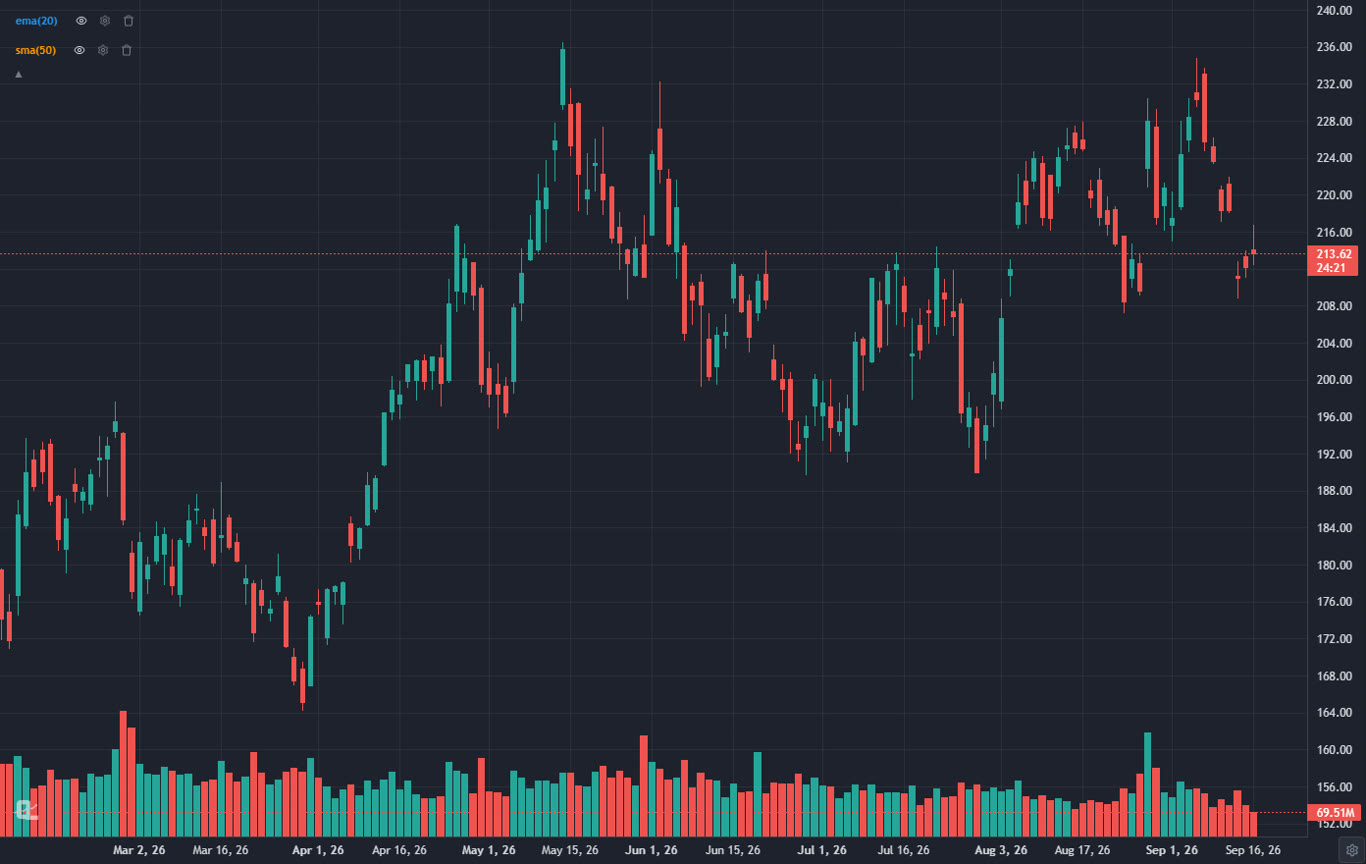
"Best trading platform" hides two different questions. One is where your charts, scans, alerts and backtests live. The other is where your orders go. Some platforms try to do both, a few do one of them extremely well, and the honest answer for most active traders in 2026 is a pair: one analysis platform and one broker. This ranking treats both kinds fairly and says which is which, because the worst outcome is paying for premium charting inside a broker whose charts you never open.
I have traded from all ten of these, not toured them. The ranking weighs charting and analysis depth, scanning and alerts, backtesting, cost for what you actually use, execution quality where the platform is a broker, and how much friction sits between having an idea and acting on it. Later sections pick the best platform for day trading, swing trading and beginners specifically, because the answer changes with how you trade.
Analysis Platforms vs Broker Platforms: Which One Are You Shopping For?
Three kinds of product get called a trading platform, and knowing which one you need saves months.
- Analysis platforms (ChartingLens, TradingView, TrendSpider) do the charting, indicators, screening, alerts and backtesting. They are broker-agnostic: you run your analysis there and execute wherever your account lives. This is where the depth is, and it is why a large active community of day, swing and long-term traders keeps one open all session regardless of broker.
- Broker platforms (thinkorswim, Interactive Brokers, Webull, Fidelity, tastytrade, Moomoo) are free with an account and earn on order flow, commissions or margin. Some have serious tools; all of them lock the tools to that account.
- Hybrids (NinjaTrader, TradingView with a connected broker) chart and execute in one window. Convenient, with the trade-off that the charting half or the broker half is usually the weaker one.
If you already have a broker you like, you are shopping for an analysis platform, and the top of this list is your answer. If you are starting from zero, pick the broker on execution and cost, then add the analysis layer. The charting platforms ranking compares the analysis layer on chart quality alone.
How We Ranked the Trading Platforms
- Charting and analysis depth. Speed, indicator library, volume tools, drawing tools, pattern recognition, multi-timeframe work.
- Scanning and alerts. Can the platform find a setup across the market and tell you when it fires, down to intraday timeframes?
- Backtesting. Can you test a rule, and does it need code?
- Execution and cost, where the platform is a broker: commissions, margin, order types, asset classes.
- Price for the tier you actually use. Headline pricing versus the plan a working trader ends up on.
- Friction. Install requirements, learning curve, and how many separate subscriptions you end up carrying.
The 10 Best Trading Platforms at a Glance
| Platform | Type | Best for | Price | Backtesting | AI |
|---|---|---|---|---|---|
| ChartingLens | Analysis, any broker | All-in-one analysis | Free / $14.99 / $29.99 mo | Plain English, Monte Carlo | Chart-aware assistant, signals, AI screener |
| TradingView | Analysis + broker links | Charting community | Free / $14.95 to $69.95 mo | Pine Script | Community scripts |
| thinkorswim | Broker | Full-service depth | Free (Schwab) | thinkScript | None |
| Interactive Brokers | Broker | Pros, global markets | Free (IBKR account) | Limited | None |
| TrendSpider | Analysis + broker links | Automated TA | About $22 to $97 mo | Visual builder | Auto trendlines, patterns |
| Webull | Broker | Free mobile charts | Free (Webull account) | None | None |
| NinjaTrader | Hybrid | Futures | Free charting / $1,099 lifetime | Strategy builder, C# | None |
| Fidelity ATP | Broker | Investor-traders | Free (Fidelity account) | None | None |
| tastytrade | Broker | Options | Free (tastytrade account) | None | None |
| Moomoo | Broker | Free Level 2 | Free (Moomoo account) | None | None |
The 10 Best Trading Platforms Reviewed
1ChartingLens: Best Trading Platform for Analysis (Works With Any Broker)
ChartingLens is a well-established platform with a large active user base, advanced features, and an institutional-grade strategy builder and backtesting engine. It is broker-agnostic, so it sits alongside whatever brokerage you already use, it is battle-tested at scale across a comprehensive multi-asset universe of stocks, ETFs, crypto, forex, metals and index CFDs, and it ships with a large built-in indicator library, a mature AI-first feature ecosystem, and extensive documentation and learning resources. A thriving trader community spanning day, swing and long-term investors uses it every session.
ChartingLens is the analysis half of a trading setup, and it is the best one on this list. The charting engine is fast on years of intraday history, the built-in indicator library is large and includes the volume tools most platforms charge extra for (fixed range and anchored volume profile, VWAP and anchored VWAP with bands, plus visible range volume profile on Premium), and the Smart RSI and Smart MACD variants draw divergences on the chart for you. Automated chart pattern recognition marks flags, triangles, head and shoulders and double tops as they form. Alerts fire on price, indicators, trendline touches and strategy signals down to the one-minute chart, by email on Premium.
Then there is the part nobody else on this list does well. Describe a strategy in plain English and the institutional-grade strategy builder turns it into rules; the backtesting engine runs it with a trade log, win rate, drawdown and a Monte Carlo stress test. Ask the chart-aware AI assistant whether a stock is a buy and you get a verdict with entry, stop and target drawn on the chart you are looking at. The screener covers 2,000+ US stocks and ten more world markets with fundamental and technical filters and seventeen presets, and the AI buy signals ship 25 picks a day with a public, forward-tested track record. Insider trades sit in a panel under the chart, and Congress trades and 13F holdings from 20 tracked superinvestors sit in the Hedge Fund Holdings panel on Premium. Indicators you already wrote in Pine Script or thinkorswim's thinkScript paste in and convert to native indicators on the paid tiers.
It does not execute orders. You place trades at whatever broker you already use, which is why it pairs with every broker below rather than competing with them. The heaviest AI features sit on Premium and Pro; the core charting, indicators, drawing tools, screener and alerts are free.
Best fit: any trader who wants professional charting, screening, alerts, AI and backtesting in one place and is happy to execute at their own broker.
2TradingView: Best Charting Community With Broker Connections
TradingView is the charting platform most people picture when they hear the phrase. The charts are polished, the drawing tools are excellent, the social layer is enormous, and the Pine Script library holds hundreds of thousands of community indicators and strategies. A growing list of brokers connect directly, so you can chart and place orders in one window without TradingView itself being a broker.
The cost is the catch. The free tier limits indicators and shows ads, the tiers a working trader needs start at $14.95 and climb to $69.95 a month after the April 2026 increase, alerts on lower tiers expire, and anything custom means learning Pine. There is no native chart-aware AI; the TradingView alternatives guide covers what that gap costs you.
Best fit: traders who want the biggest community and are willing to pay for it or write Pine.
3thinkorswim (Schwab): Best Full-Service Broker Platform
thinkorswim is the deepest free platform attached to a broker. Hundreds of studies, thinkScript for custom indicators, OnDemand replay, a full scanner, the strongest options analytics suite in retail and integrated execution across stocks, options and futures. It is the platform serious Schwab clients never leave.
It is a heavy desktop install with a dated interface and a real learning curve, the mobile app is a reduced version, and you are tied to Schwab for execution. There is no AI analysis and no plain-English backtesting. See the thinkorswim alternatives post if the desktop weight bothers you.
Best fit: Schwab clients who want professional tools and execution without a subscription.
4Interactive Brokers: Best for Professional and Global Traders
Interactive Brokers is where traders go when they outgrow retail apps. Trader Workstation covers stocks, options, futures, forex, bonds and funds across 150 markets, margin rates are the lowest in the business, and the order types and API access are institutional. The current web and desktop clients have softened the famously dense interface.
Charting in TWS is functional rather than pleasant, and most IBKR clients run their analysis elsewhere. The platform's strengths are execution, cost and breadth, not the chart.
Best fit: active traders and investors who trade multiple asset classes or markets and want the cheapest execution.
5TrendSpider: Best Automated Technical Analysis
TrendSpider automates the tedious half of technical analysis. It draws trendlines and Fibonacci levels, detects candlestick patterns, overlays multiple timeframes on one chart, scans on complex conditions and backtests visually. Broker connections let you trade from the platform on supported accounts.
There is no free tier, the interface is dense, and the mid and upper plans are among the pricier options here. The is TrendSpider worth it review weighs the cost against what it automates.
Best fit: systematic technical traders who want the software to do the drawing and scanning.
6Webull: Best Free Mobile Broker Platform
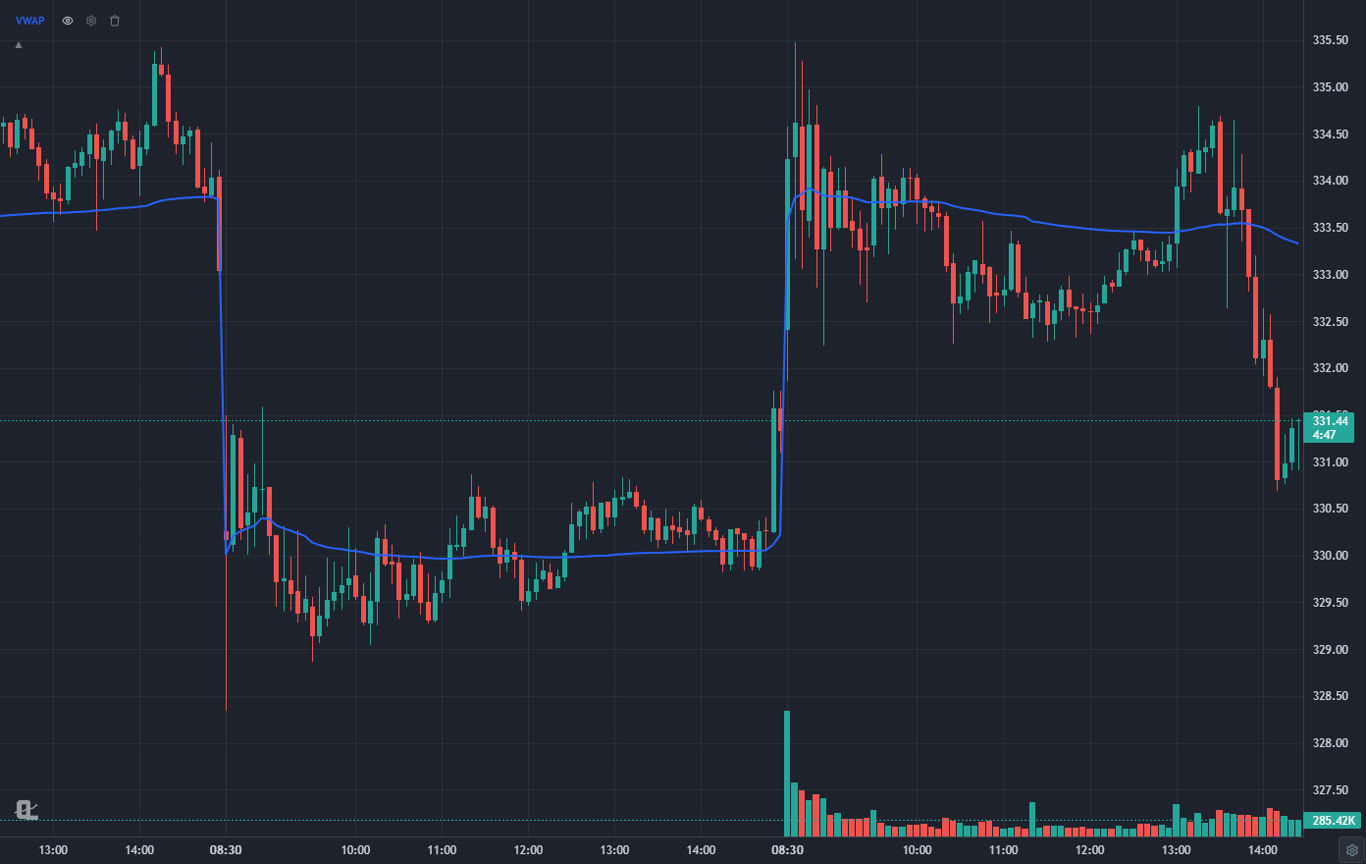
Webull is the free broker platform with the best charts. The mobile app is genuinely usable for technical trading, the desktop app adds more, paper trading is built in, and commission-free stocks and options plus extended-hours trading make it a common first real-money platform.
The indicator set is fixed, there is no scripting or plain-English backtesting, alerts are basic, and the charts are a step behind a dedicated charting platform. The Webull alternatives post covers what to pair it with.
Best fit: mobile-first traders who want a free broker with charts that do not embarrass them.
7NinjaTrader: Best for Futures Trading
NinjaTrader is the futures trader's platform: order flow tools, volumetric bars, a DOM, market replay, a strategy builder and the NinjaScript C# framework for anything custom. Charting and simulation are free; the paid license unlocks the advanced order features, and NinjaTrader is itself a futures broker with low day-trading margins.
Stock coverage is thin, it is Windows desktop software, and NinjaScript is real programming. The NinjaTrader review goes into the license math.
Best fit: futures and forex traders who want order flow and execution in one place.
8Fidelity Active Trader Pro: Best for Investors Who Also Trade
Active Trader Pro is the trading platform for people whose main account is a Fidelity account. Real-time streaming quotes, decent charts with a fair indicator set, conditional orders, options chains and strong research all sit next to the retirement accounts most people already hold there.
The charting is serviceable, not competitive, and there is no scanning depth, scripting or backtesting to speak of. Most active Fidelity clients chart elsewhere and execute here.
Best fit: long-term investors who want a real trading platform inside their existing brokerage.
9tastytrade: Best for Options Traders
tastytrade was built by options traders for options traders. The trade page is designed around strategies rather than legs, probability and greeks are front and centre, futures and futures options are included, and the education library is deep. Commissions are structured for people who trade a lot of contracts.
Charting is basic and stock-focused traders will find the interface built for someone else. The platform makes most sense if options are the main event.
Best fit: options traders who put on multi-leg positions every week.
10Moomoo: Best Free Level 2 Data
Moomoo's pitch is data: free Level 2 quotes, a capable desktop platform, a good screener for a broker, and paper trading. For an active trader on a budget who wants to see the order book without a data subscription, it is hard to beat on price.
Charting and analysis depth trail the dedicated platforms, and the app leans on promotions. The Moomoo alternatives guide covers what to pair it with.
Best fit: budget-conscious active traders who want the order book for free.
Best Trading Platform for Day Trading
Day traders need four things from a platform: fast intraday charts with VWAP and volume, a scanner or screener that produces a morning list, alerts that fire on the one-minute chart, and cheap, fast execution. No single platform is the best at all four, which is why most full-time day traders run two windows.
- Analysis: ChartingLens. Intraday charts down to one minute with extended hours, VWAP and anchored VWAP, the screener's day-trading presets (high relative-volume gappers, pre-market gappers, low-float momentum, short squeeze candidates), one-minute strategy alerts with catch-up replay, and a bar replay simulator to practice on. The day trading charting software ranking goes deeper on the chart side and the day trading screener guide on the morning list.
- Execution, stocks: Interactive Brokers for cost and routing, Webull if you want free and mobile, thinkorswim if you are already at Schwab.
- Execution, futures: NinjaTrader, which also does the charting well enough that many futures day traders use nothing else.
The one thing to avoid is paying a monthly subscription for charting inside a broker app whose charts you will outgrow in a quarter. Keep the analysis layer separate and you can change brokers without losing a single drawing.
The full day trading platforms ranking compares eight of them on intraday charts, scanning, alerts and execution cost.
Best Trading Platform for Swing Trading
Swing trading is easier on a platform because the chart does not have to move in real time. What matters is the daily and weekly chart, a screener that combines fundamentals with technicals, alerts that watch levels while you are at work, and a backtester that tells you whether the setup you like has actually paid.
- Analysis: ChartingLens again, for a different reason: the screener runs fundamental and technical filters in one pass with a two-timeframe mode, pattern recognition marks the setups on the daily, trendline and price alerts arrive by email, and the plain-English backtester tests the rule before you risk money on it. The swing trading screener guide has a full filter set.
- Execution: Fidelity or Schwab if your long-term money is already there, Interactive Brokers if you also hold international names, Webull or Moomoo if you want free and mobile.
TradingView is the strongest alternative on the analysis side for swing traders who live in community scripts, at the cost of the Plus or Premium tier and Pine Script for anything custom.
For the full comparison, see the swing trading platforms ranking, with a weekly workflow that fits around a job.
Best Trading Platform for Beginners
Start free on both halves. Open a Webull or Fidelity account for execution, and run your charts on the ChartingLens free tier, which includes the full charting toolkit, the screener, alerts, a small daily allowance of AI credits and the free Learn courses where every lesson draws its example on a real chart (graded practice trades are Premium). Add the bar replay simulator once you have a setup to practice, and add a paid tier only when you hit a limit you actually feel. The free trading platforms ranking covers the no-card options in more detail, and how to read stock charts is the place to start if the chart itself is new.
Which Trading Platform Should You Pick?
- You want the most complete analysis stack and already have a broker: ChartingLens.
- You want the biggest community and can pay for it: TradingView, on Plus or Premium.
- You want one free desktop platform with execution and depth: thinkorswim.
- You trade multiple asset classes or markets and care about margin cost: Interactive Brokers.
- You want the software to draw and scan for you: TrendSpider.
- You want free, mobile-first, with respectable charts: Webull.
- You trade futures: NinjaTrader.
- You trade options above everything else: tastytrade.
Whichever pair you land on, run the same test: take one setup you trade, chart it, scan for it, set the alert, backtest it and place a paper order. Count the clicks and the subscriptions. The pair that makes that loop shortest is the one you will still be using next year. The serious traders ranking applies the same test with a higher bar.
Related Articles
Best Tools for Trading Stocks in 2026
9 stock trading tools ranked by the job they do.
Read article → Day TradingBest Tools for Day Trading in 2026
The 8 tools a complete day trading setup needs, free and paid.
Read article → Swing TradingBest Trading Platform for Swing Trading in 2026
The 7 best swing trading platforms for scans, daily charts and alerts.
Read article → Day TradingBest Trading Platforms for Day Trading in 2026
The 8 best platforms for day trading, analysis and execution ranked.
Read article → ChartingBest Stock Charting Platforms 2026
The analysis platforms on this list ranked on charting quality alone.
Read article → Day TradingBest Charting Software for Day Trading
Intraday charting, real-time data and the free options, in depth.
Read article → AIBest AI Trading Platforms 2026
The platforms that add a real AI layer, and what it does.
Read article →Try the top analysis platform free
Charts, a large indicator library, a 2,000+ stock screener, alerts, a chart-aware AI assistant, 25 daily AI signals and a plain-English backtester. Works with any broker. Free to start, no card required.
Start Charting Free →